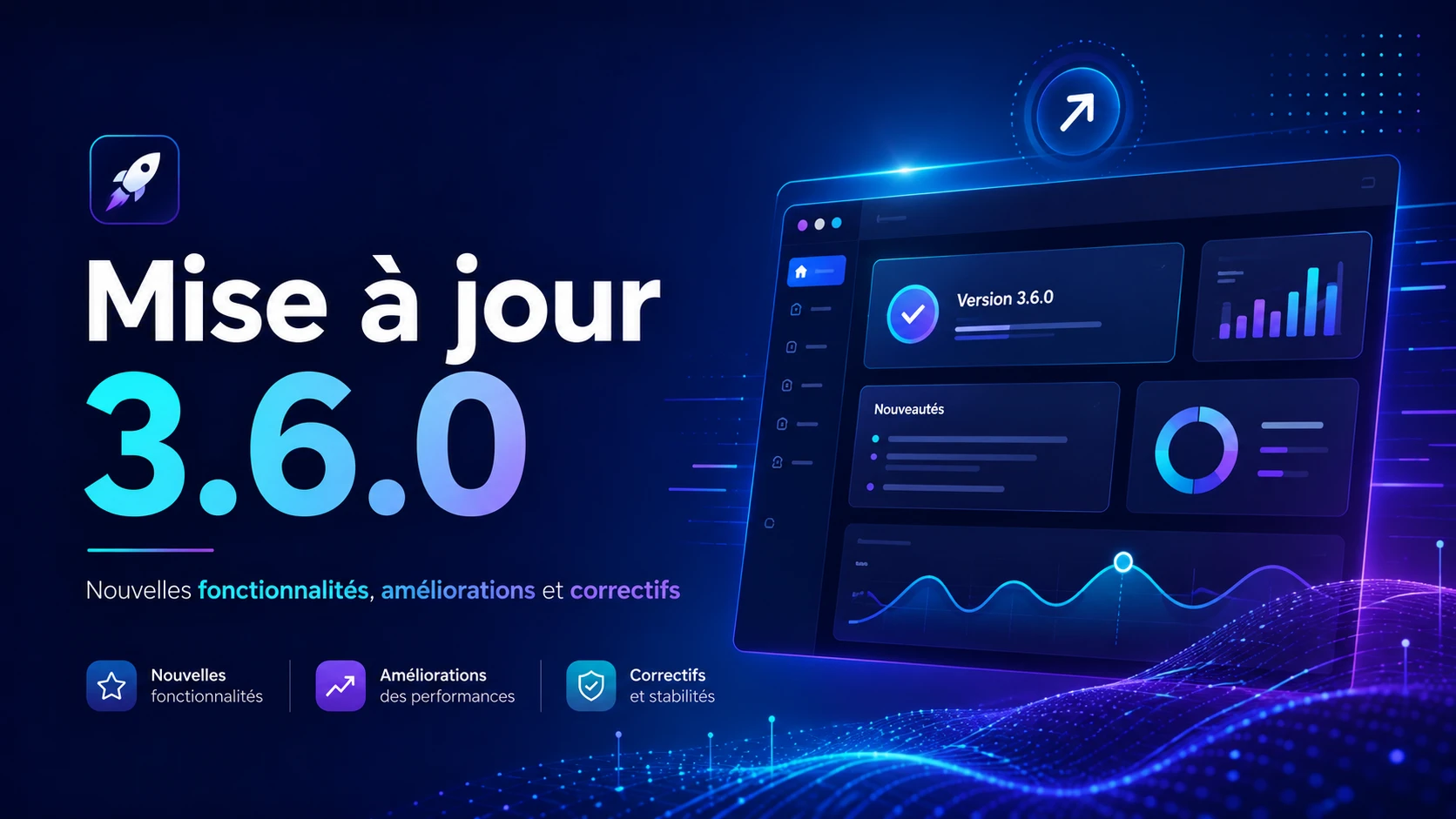
The 3.6.0 version of the Story Theme is available. And this one is different from the previous ones.
Usually, an update adds ready-to-use sections. This time, you receive the building blocks to create your own.
Specifically, the sections that many of you have been asking me for months, you can now create yourself in just a few minutes. Without a line of code.
The advanced custom section
This is the big new feature of this version, and the one that changes your way of working the most.
Until now, the operation was simple but closed. You chose a section from the list, filled it in, and made do with what was provided inside.
Now, you start with a blank page and compose it yourself.
The principle of groups
Everything is based on "Group" blocks. You can add as many as you want, horizontally or vertically, and you can nest them within each other.
Inside each group, you place the elements of your choice. It is this nesting logic that allows you to reproduce almost any layout.
An image on the left and a FAQ on the right? A line of three testimonials with a badge above? A countdown next to a button? You build all that yourself, directly in the editor.
The 10 new blocks
To fill these groups, 3.6.0 brings ten new blocks:
- Accordion / FAQ : 3 styles to choose from, content written by hand or taken directly from an existing page
- Badge : text and icon, pill display, free colors
- Bullet list : one line per item, 44 icons available or your own image
- Countdown : 4 styles, automatic renewal, customizable labels
- Icon : 44 built-in icons (delivery, return, padlock, star) or your image, clickable
- Note / Stars : from 0 to 5, with 4 display styles
- Testimonial : avatar, name, role, "verified" mention, stars, and dedicated color palette
- Video : hosted on Shopify, YouTube, or Vimeo, with cover image and loop playback
- Space / Separator : desktop and mobile heights set separately
- Custom Liquid : to insert your own code or the snippet of an app
The Liquid block deserves special mention. It allows you to slide the code of an app exactly where you need it, in the middle of your composition, and no longer just where the app decides to install itself.
The common settings for all blocks
Each block has its own animations and its "hide on mobile" option.
This means you can build a rich layout on a computer and lighten the mobile display by disabling certain elements, without creating two different sections.
And all these blocks work as well alone as nested in a group. You can start simple, then complicate it as you go.
The new floating video section
The second novelty of this version: a pinned video thumbnail at the bottom of your site.
You can activate it on a single page or across the entire store. It's ideal for a product demo, a customer review, or a presentation video that accompanies the visitor during their navigation.
Three behaviors on click
Depending on what you want to achieve, you choose how the video reacts when clicked.
It can open in a centered popup, enlarge directly in place, or activate sound without leaving the thumbnail. Three different uses, for three different intentions.
No impact on speed
This is the most important point, because a poorly integrated video can slow down the loading of a page.
A video hosted on Shopify plays muted and in a loop in the thumbnail, without weighing on the rest. For YouTube and Vimeo, the player is only loaded when the visitor opens the video.
Result: you add a strong visual element without degrading your performance.
Mobile display
The mobile has its own settings, and this is essential for this type of element. A poorly calibrated thumbnail on a small screen quickly becomes an obstacle rather than an asset.
You can choose between a round format, square, a retractable panel stuck to the edge of the screen, or a display identical to that of the computer.
In total, the section offers 27 settings: position, size, label, buttons, click behavior, and mobile parameters.
The improvements of this version
Beyond the two new features, several points have been reworked.
The three tab sections have been merged into one. They generally did the same thing, with three different configurations to understand. There is now only one, much simpler to set up.
The default display of all sections has been improved. You can also display a description without a title, which was missing on some layouts.
Titles now accept line breaks. An apparent detail, but it allows you to control exactly where your sentence breaks on a large title.
The "Collection list" section gains a description and a link. The scrolling testimonials allow you to choose the color of the stars.
Finally, the structure of titles has been cleaned up across the entire theme to no longer pollute your SEO. A clean title hierarchy is one of the most basic signals of on-page SEO.
The bugs fixed
This version also fixes several issues reported by users:
- General : scripts that did not load correctly on custom domains
- Product page : selection of variants in the pack when an option contains a "/"
- Collection tabs : navigation bug fixed
- Collection list : display issue on large screens
- Scrolling line : consideration of general parameters
- Footer : LinkedIn link that did not display in social networks
What comes next
3.6.0 lays the foundations for a system, not an isolated feature.
The next updates will continue to enrich it: new blocks, more settings, and more and more parts of the theme that you will be able to compose exactly as you want.
But starting today, you can already do a lot of things that were impossible last week.
A complete video on 3.6.0 is coming soon to the YouTube channel. It will be followed by a whole series dedicated to the advanced custom section.
On the agenda: building a section from A to Z, the block combinations that work best, the settings to know, and reproducing sections used by large e-commerce brands.
How to update your theme
The procedure is simple. Go to your member area, on the "Update" page, everything is explained step by step.
The complete details of the changes are available on the roadmap page of the site.
And if you haven't tested the Story Theme yet, this is probably the best time to do so: this version gives you the most freedom since the launch of the theme.