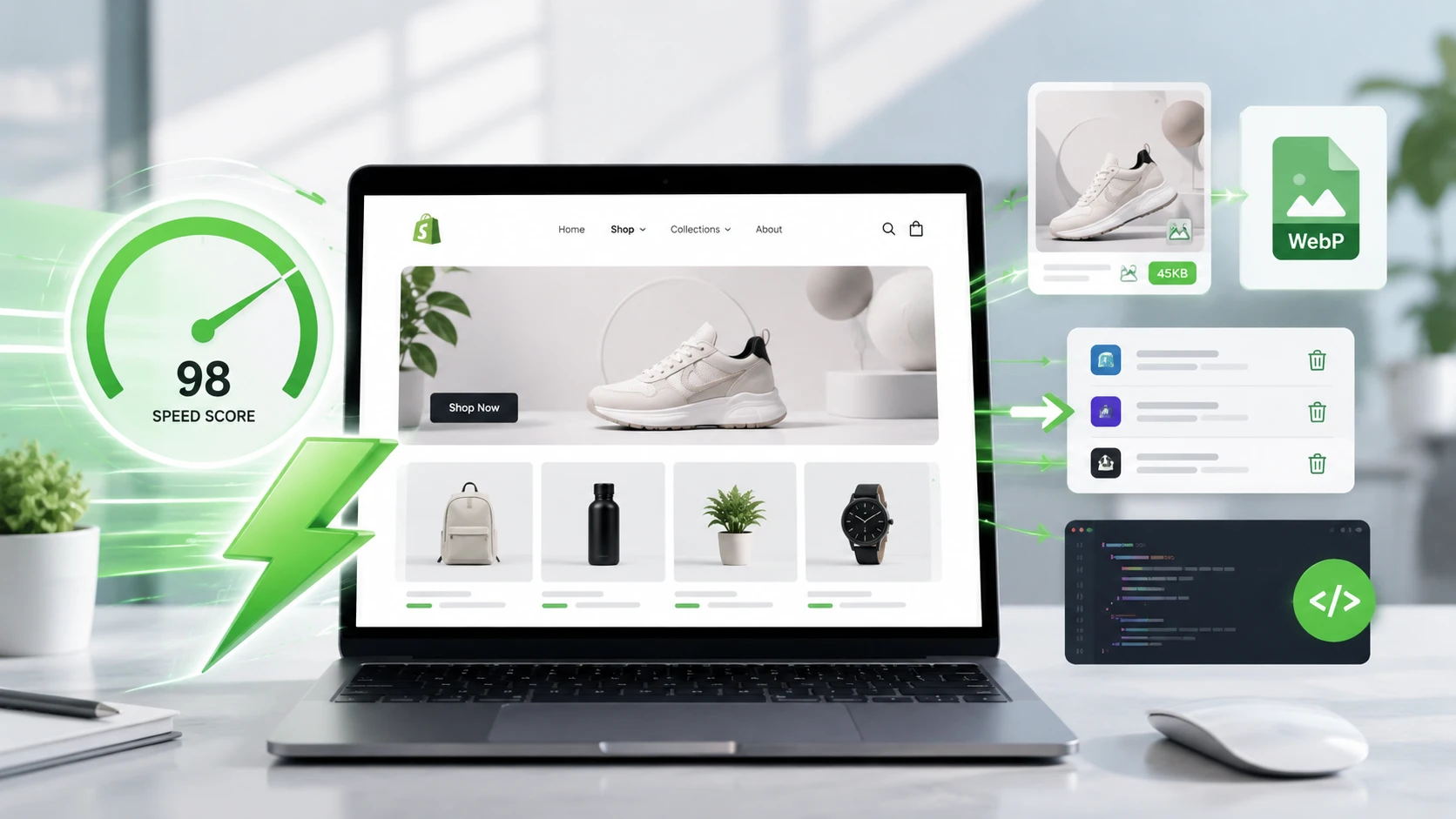
A shop that loads quickly is essential. If your page takes an eternity to display, the visitor leaves before even seeing your products.
We live in a world where attention spans are constantly decreasing. No one likes to wait. A few seconds too long and the customer closes the tab.
That's why optimizing the speed of your site is not an option. In this article, I give you my concrete tips to make your shop faster.
How to know if your shop is slow
Before optimizing anything, you need to measure. No need to guess: use tools designed for that.
I recommend PageSpeed Insights or GTmetrix. The speed score displayed by Shopify is not very reliable and doesn't really tell you what to improve.
PageSpeed Insights
This is a tool developed directly by Google. You find it as the first link when you search for its name. You paste your shop's URL and get a detailed analysis.
GTmetrix
Same principle, first link when you search for the name. You enter your shop's URL and get a score. An A score is very good. You also get a percentage to gauge your performance.
These are the two tools I use to assess the actual speed of a site. Start from there, then apply the tips that follow.
Choose a good Shopify theme
It seems obvious, but it's the first building block. A poorly coded theme hinders your speed from the start, no matter what you do afterward.
Forget the free Shopify themes. They are generally not very optimized. Instead, turn to a paid theme, whether it comes from the Shopify App Store or an independent publisher.
A theme from the Shopify App Store generally costs between 300 and 400 euros depending on the model. An independent theme like the Story Theme has the advantage of including many built-in features.
The benefit of a complete theme is that it is optimized for both mobile and desktop, and you avoid stacking external applications that slow everything down.
Optimize the images in your shop
If I had to remember one point, it would be this one. Images account for about 80% of your site's speed when they are poorly optimized.
Two things matter: the right format and the right ratio. An image 4000 pixels wide displayed in a frame of 800 pixels is unnecessary weight that slows down loading for no reason.
The right resolutions to use
To help you out, here are the widths I recommend based on the type of image on your page.
For a banner that takes the full width of the screen, aim for a maximum of 1920 pixels wide. The height can be chosen freely according to your design.
For standard images, like product visuals or images in the "image with text" sections that occupy half the screen, stay between 800 and 1000 pixels wide.
For small images, for example, four visuals placed side by side, 400 pixels wide is sufficient. Again, the height depends on whether you prefer a square format or a slightly taller one.
Icons, logos, and favicon
For icons and logos, use SVG files. It's a vector format: it can be enlarged or reduced infinitely without losing quality, and it is very lightweight.
For the favicon, plan for an image of 32 pixels by 32 pixels. It's small, but it's exactly what you need for this specific use.
Convert your images to the right format
To put all this into practice, there are tons of online tools. Personally, I use the one integrated into the Story Theme, called Optimage.
The principle is simple: you upload your image and the tool converts it to the WebP format, the most suitable for the web. You can also choose different ratios: banner, general format, 4/3, or 3/4.
You can either adjust the ratio or keep the same and switch to a width of 1000 pixels. In both cases, your image comes out in the right format and much lighter.
A concrete example of gain
I tested it with an image retrieved from a free image bank. Initially, the file weighed 0.82 MB with a width of over 4000 pixels.
By converting it to WebP without changing the width, it already drops to 0.40 MB. By then reducing the width while keeping the ratio, it goes down to 0.04 MB.
That's a gain of about 96% in weight, moving from JPEG to WebP. On a full page filled with images, the effect on speed is huge.
Limit the number of applications
Each installed application adds code to your shop. This code is not always optimized with the rest, and the more you accumulate, the slower your site becomes.
My advice: uninstall everything that is unnecessary. An application only has its place if it truly impacts your conversion rate. Otherwise, it just adds weight to your page.
That's also why the Story Theme directly integrates many features. Since they are designed with the rest of the code, they do not add unnecessary weight.
Sort through: remove what you can replace with a native function of the theme, and keep only the applications that are truly essential to your business.
Manage videos well
Videos also weigh in the balance. Avoid storing your videos directly on Shopify when you can do otherwise.
Prefer videos embedded via an external player, like YouTube or Vimeo. It's not the most visible factor, but if you want to push optimization to the limit, it matters.
Remove hidden sections
Here's a very common mistake. Many people hide a section thinking they will bring it back later, instead of deleting it.
The problem is that a hidden section continues to load on your site. It remains in the code and slows down the page, even if no one sees it.
If you remove an element, completely delete the section instead of hiding it. The same goes for unnecessary blocks: removing them lightens the code and improves speed.
It's a simple reflex to adopt that prevents accumulating invisible weight over time as you modify your shop.
Don't fall into the obsession with speed
One last important point: don't focus 1000% on speed. Most shops already load correctly; you mainly need to monitor the images.
The good test is simple. Go to your site: if it visibly lags, there is a real issue to address. If it loads correctly, you have no reason to worry.
Look at very large sites like Amazon, Gymshark, or Apple. Their PageSpeed scores are not perfect either, and that doesn't stop them from generating a huge amount of revenue.
Speed is something to monitor and optimize, but not to turn into an obsession. Don't spend all your time on it at the expense of everything else.
Conclusion
Focus your energy on what really matters: converting more, increasing your average cart value, and attracting more visitors to your shop.
Optimize your images, sort through your applications, manage your videos and sections well, measure with PageSpeed Insights or GTmetrix. You will have a fast shop without spending all your days on it.