
Story Theme FAQ
Short answers to the most common questions: license, stores, subscription, refunds, updates, apps and languages.
Quick answers to the questions we get asked most often. Each one links to the article that walks you through the steps.
License and stores
Can I use the theme on several stores?
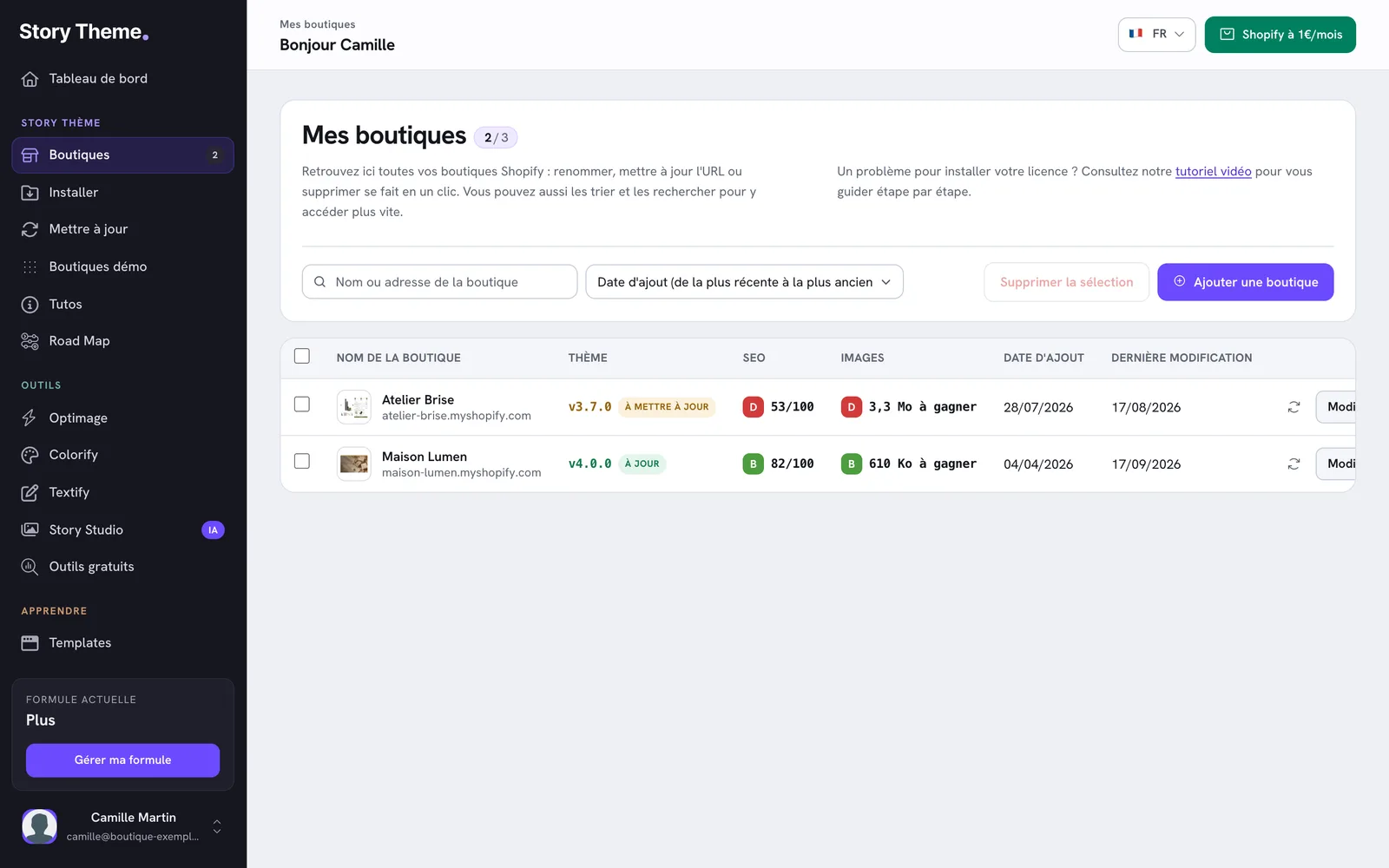
Yes, depending on your plan: one store on Standard, three on Plus, ten on Business. Every store must be registered on the Shops page of your member area. See The Standard, Plus and Business plans.
A license error message shows on my store
There are three possible causes: the domain name isn't registered in your member area yet, the registered domain is the wrong one (for example the .myshopify.com address when your custom domain is connected), or your subscription is no longer active. See Add your store and activate the license and Troubleshoot the installation.
I'm changing stores or domain names
On the Shops page, click Edit and replace the domain, or delete the old store and add the new one. Do this as soon as you connect a new primary domain in Shopify. See Manage your stores.
Do the demo stores cost extra?
No, they're included in your license, whatever your plan. See Start from a demo store.
Subscription
Is there a free trial?
Yes, your first subscription starts with a 7-day free trial. See The Standard, Plus and Business plans.
Can I change plans during my subscription?
Yes, at any time, from Manage my plan at the bottom of the sidebar. The amount is shown before you confirm. See Change your plan.
Can I get a refund?
The current period isn't refunded: when you cancel, you keep access until it ends, and you won't be charged again. See Cancel your subscription.
What happens to my store if I cancel?
At the end of the paid period, the license is no longer active: the theme's purchase buttons are disabled. Your products, orders and customers stay in Shopify. Publish another theme before the end date if the store needs to keep selling. See Cancel your subscription.
My payment failed
You have 48 hours to update your card before your access is suspended. See Payment failed: what to do.
Where can I find my invoices?
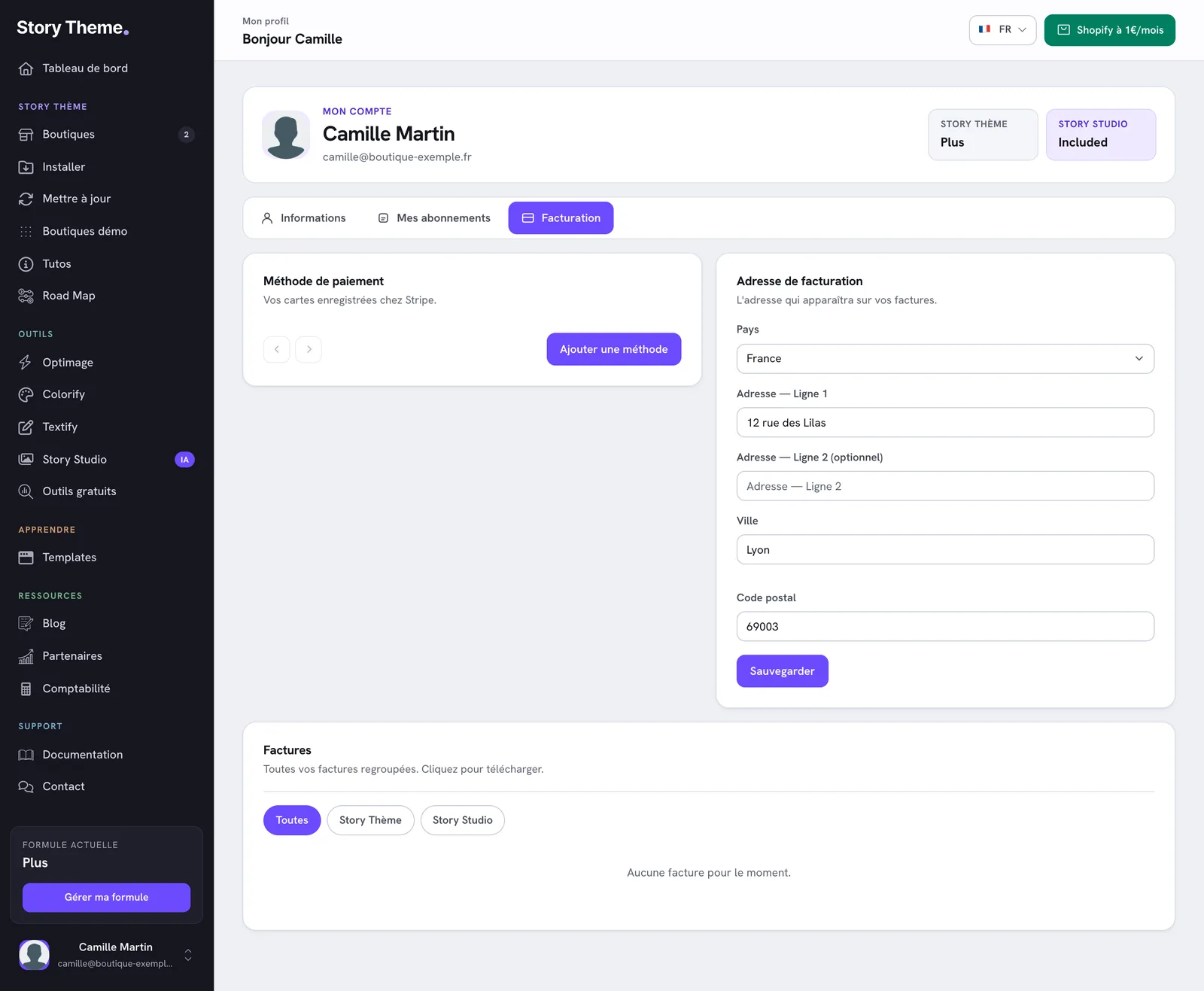
In My account, Billing tab, Invoices block. See Download your invoices.
Updates
Will I lose my settings when I update?
No: the Update tool keeps your text, images, colors and layouts. Only changes made by hand in the theme code are replaced. See Update the Story Theme.
I have a 3.x version: can I move to 4.0?
Yes, but not with the update tool: you need to install 4.0 and bring your content over. See Move from version 3 to version 4.0.
How do I know which version I have?
It's shown on the dashboard and on each store card. See Find the installed theme version.

The theme
Is the theme compatible with my Shopify apps?
The Story Theme supports Shopify app blocks and app embeds: most apps (reviews, upsells, translation…) can be added from the editor, with no code. If an app causes a problem, write to us. See Report a bug.
What languages is the theme available in?
The storefront and editor text is translated into 14 languages, including French, English, German, Spanish and Italian. See Translate your store.
My changes don't show up on the site
Make sure you're editing the published theme, not a preview of another theme. If you use Shopify Markets, also check that the right market is selected in the editor. See Understand the theme editor.
Can't find your answer?
Write to us from the Contact page of your member area. See Contact support.