Installation isn't working: solutions
License not active, domain already in use, file rejected by Shopify, download blocked: the most common installation problems and how to fix them.
Most installation issues come down to three things: the theme file, the registered domain or the subscription status. Find the symptom you're seeing below, along with its solution.
The download doesn't start
The theme file can take a few seconds to arrive, with no loading indicator: wait before clicking again.
If nothing arrives, check that your subscription is active. Downloading the theme and demo stores is limited to active subscriptions. A red Payment failed. banner at the top of the member area, or a Your access is on hold window, means your subscription needs attention. See My payment failed.
Shopify rejects the file
Shopify only accepts a .zip file that directly contains the theme folders (assets, config, layout, locales, sections, snippets, templates).
- You have a folder instead of a .zip: the file was unzipped, often automatically by Safari on Mac. Download it again from the Install page, with another browser if needed, and upload the
.zipwithout opening it. - You re-zipped the folder yourself: the theme then ends up in a subfolder and Shopify rejects it. Start again from the original file.
- You're uploading a different file: make sure you upload the
Basicfile (or a demo's file) downloaded from your member area, not a modified archive.
If your draft themes are full, Shopify asks you to delete a theme before adding a new one. Delete an old unpublished theme you no longer need.
The buy buttons are disabled and some text is red
This means the license isn't recognized on this domain. A message asks you to activate your license from your member area. There are three possible causes:
- The store isn't registered in your member area. Add it from Shops > Add a shop.
- The registered domain is wrong. It must match the store's primary domain in Shopify (Settings > Domains). Typical case: you registered
my-store.myshopify.com, then connectedmystore.com. Click Edit in Shops and replace the domain. - Your subscription is no longer active, due to a missed payment or after canceling. The license is then suspended on all your stores. Sort it out from My account.
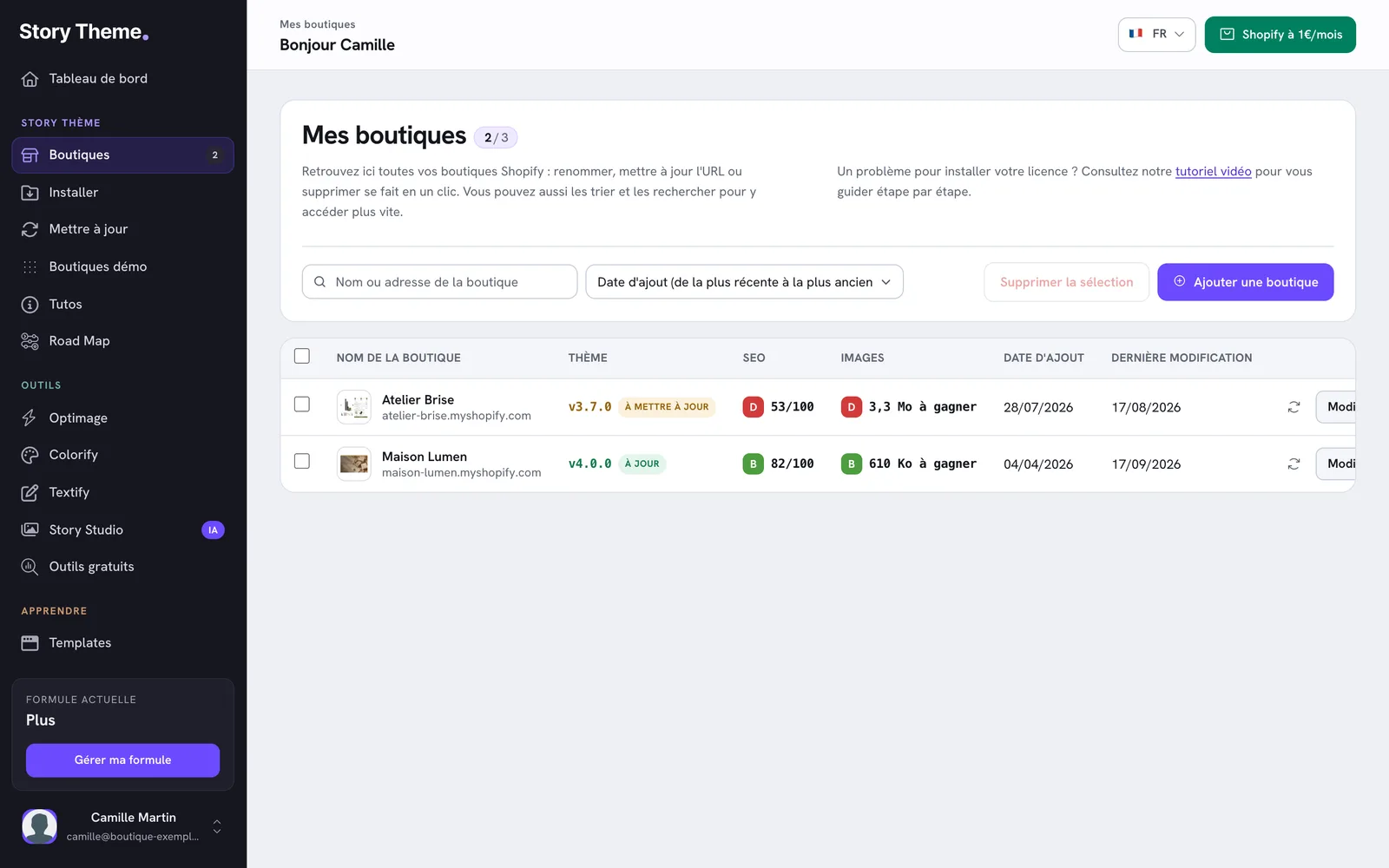
The full walkthrough is in Add your store and activate the license.
"This store already exists on account…"
A domain can only belong to one Story Theme account. This message shows the email address of the account that already registered it, partly masked.
- It's one of your addresses: log in to that account, delete the store from Shops, then add it again on the account you're using.
- It's not your address (former agency, partner, previous store owner): ask that person to remove the store, or write to us from Contact support.
The message This URL is already used by another store. appears in the same situation when you edit an existing store.
"You have reached your store limit"
Your plan covers a limited number of stores: 1 on Standard, 3 on Plus, 10 on Business. Delete a store you no longer use, or change plans with the Change plan link. See Change your plan.
"Could not save. Check the domain and try again."
The domain you entered couldn't be saved. Enter only the domain, with no spaces or path: mystore.com or my-store.myshopify.com. If the message persists, contact us with the exact domain.
My changes don't show up on the site
Make sure you're editing the published theme, not the preview of one of your draft themes. If you use Shopify Markets, also check that the right market is selected in the theme editor.
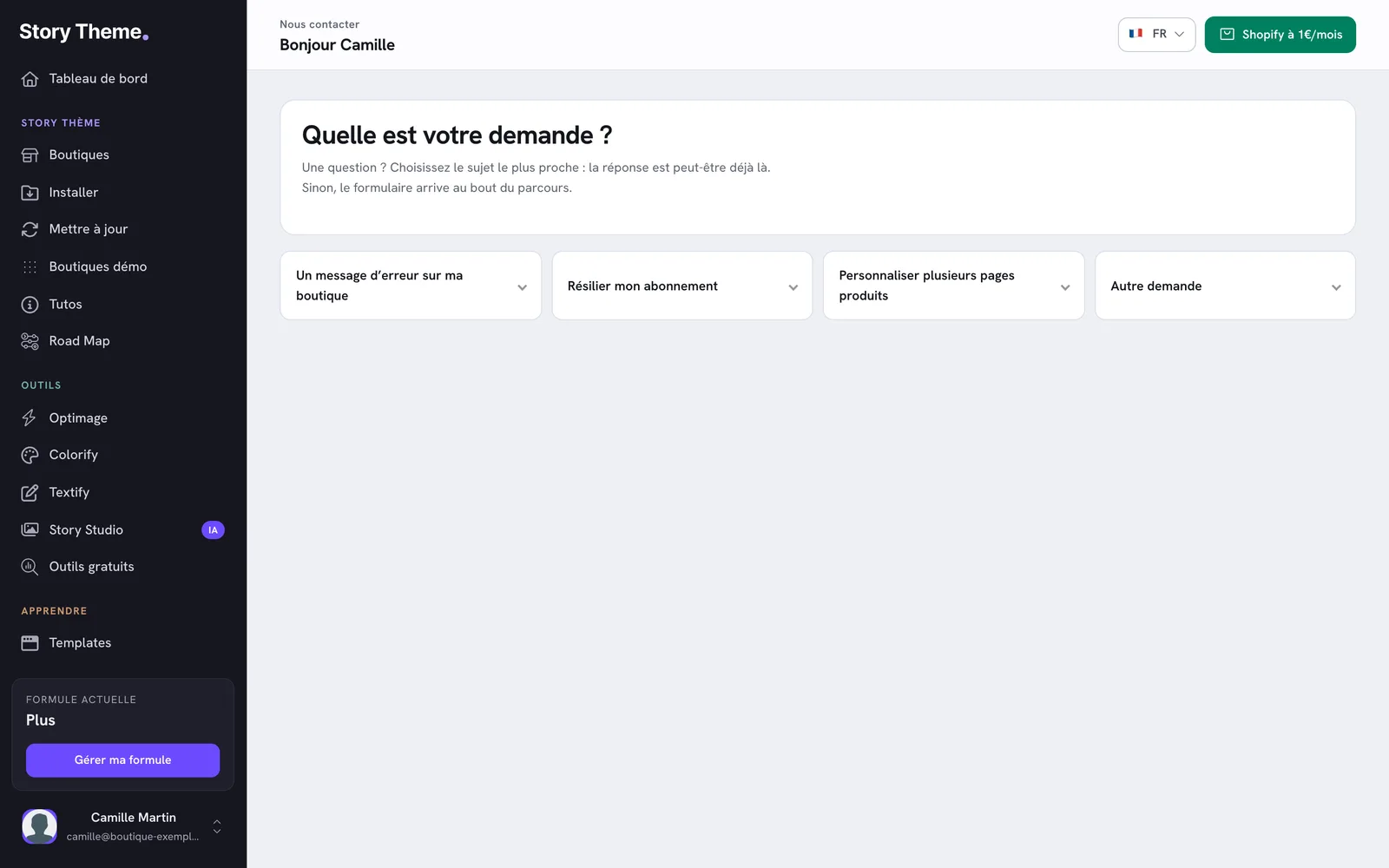
Still stuck?
The Contact page in your member area repeats these answers under An error message on my store. If your case isn't covered, the form is under Something else. Attach a screenshot of the problem and include your store's address.