
Tutorials, templates, partners and roadmap
What the Tutos, Templates, Road Map, Partners and Accounting pages of your member area contain, and how to use them to move faster.
Beyond the theme and the tools, your member area offers resources to learn and get help: video tutorials, page templates, the theme roadmap and partner offers. Here's what you'll find in each section.
Tutos: videos sorted by topic
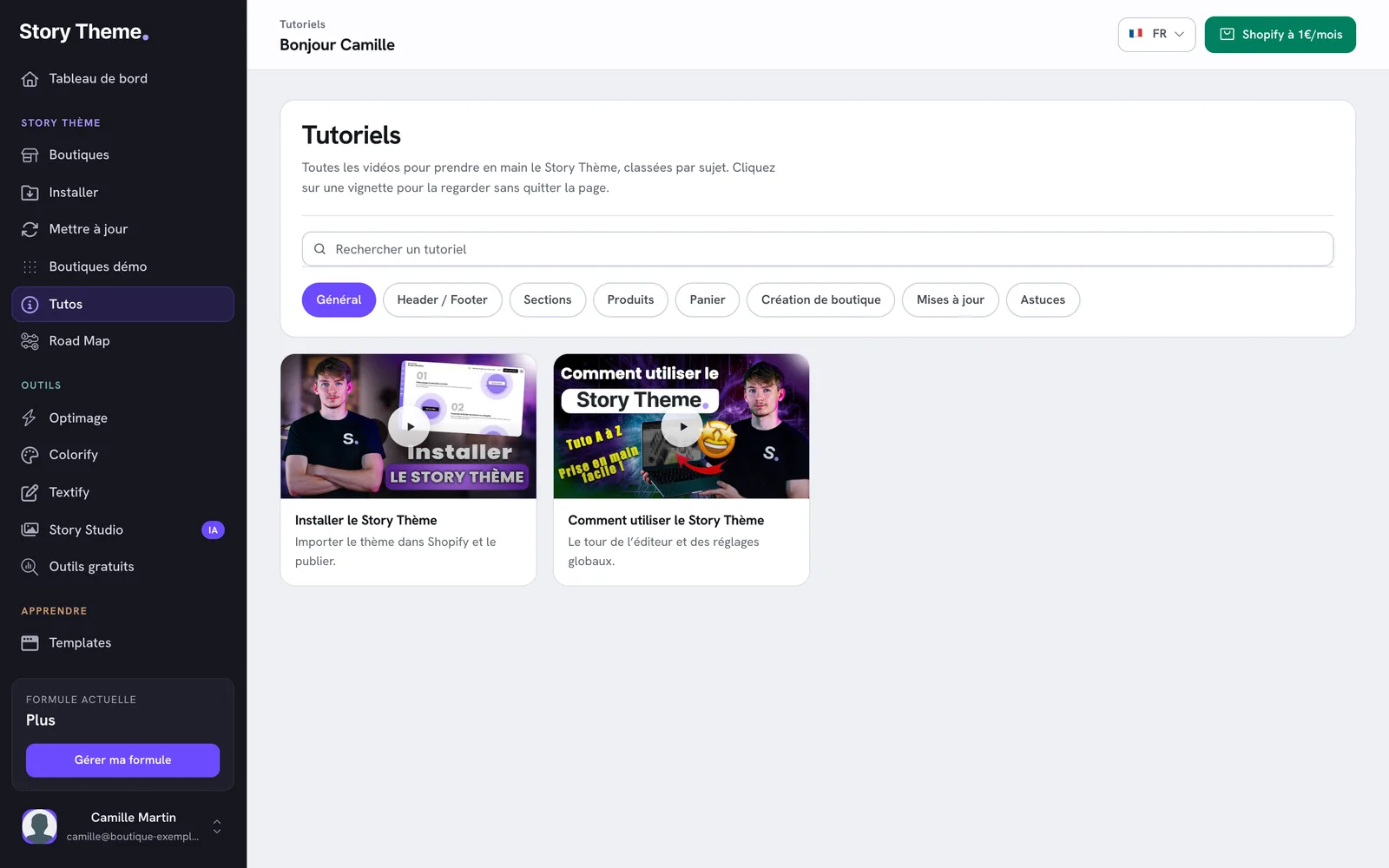
Open Tutos in the sidebar (Story Theme section). The Tutorials page brings together the videos for getting started with the Story Theme.
- Choose a category: General, Header / Footer, Sections, Products, Cart, Store creation, Updates or Advice. The page opens on General.
- Or type a word in Search for a tutorial: the search covers all categories at once.
- Click a video thumbnail to watch it without leaving the page. Close it with the cross, the Esc key or a click outside.
The dashboard also offers five videos to get you started in the Getting started block: install the theme, use it, discover Shopify, build a store from A to Z and create your brand.
Templates: ready-to-use page templates
Open Templates in the sidebar (Learn section). The Our pre-configuration templates page has four sections, collapsed when the page loads: click a title to open it.
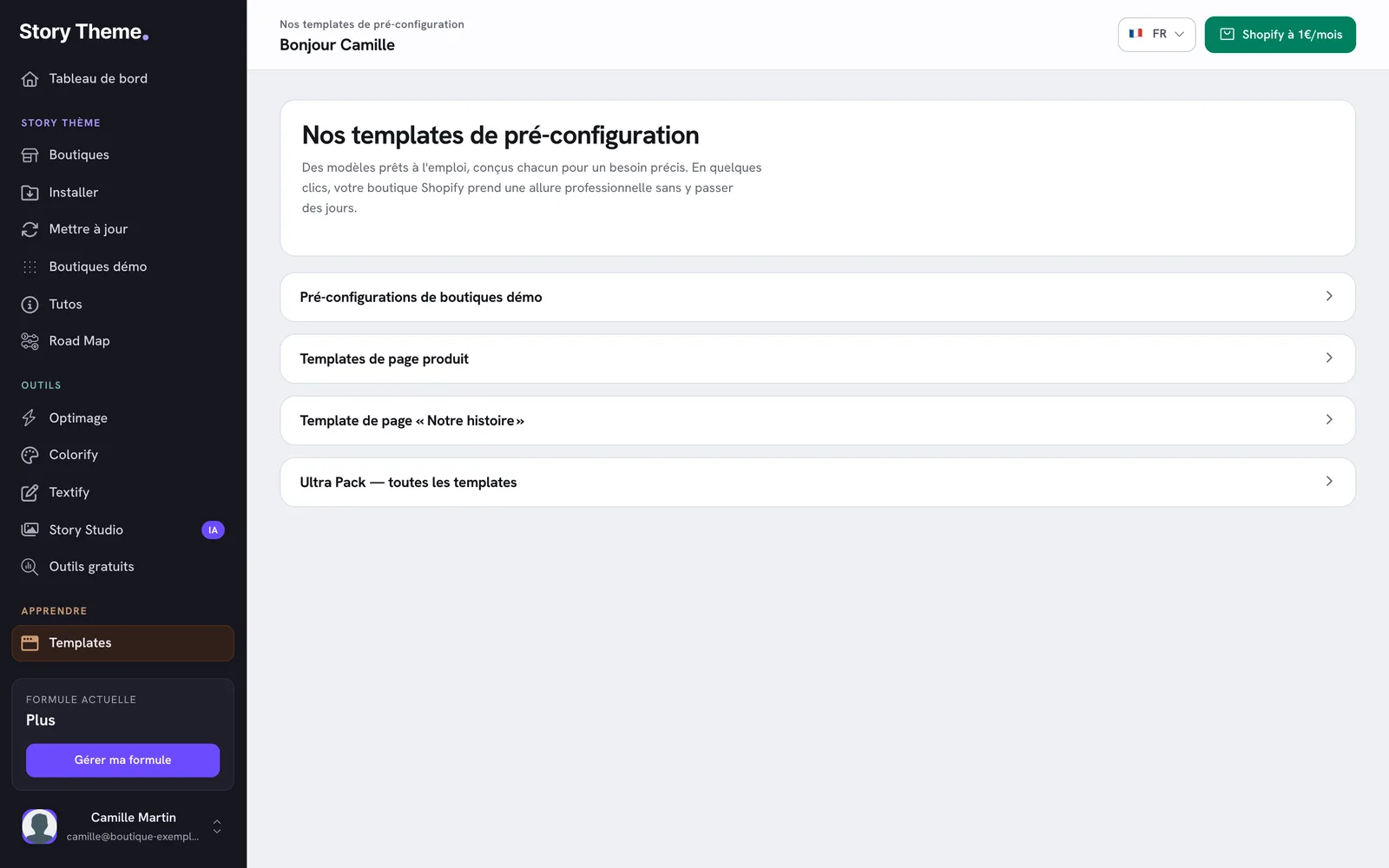
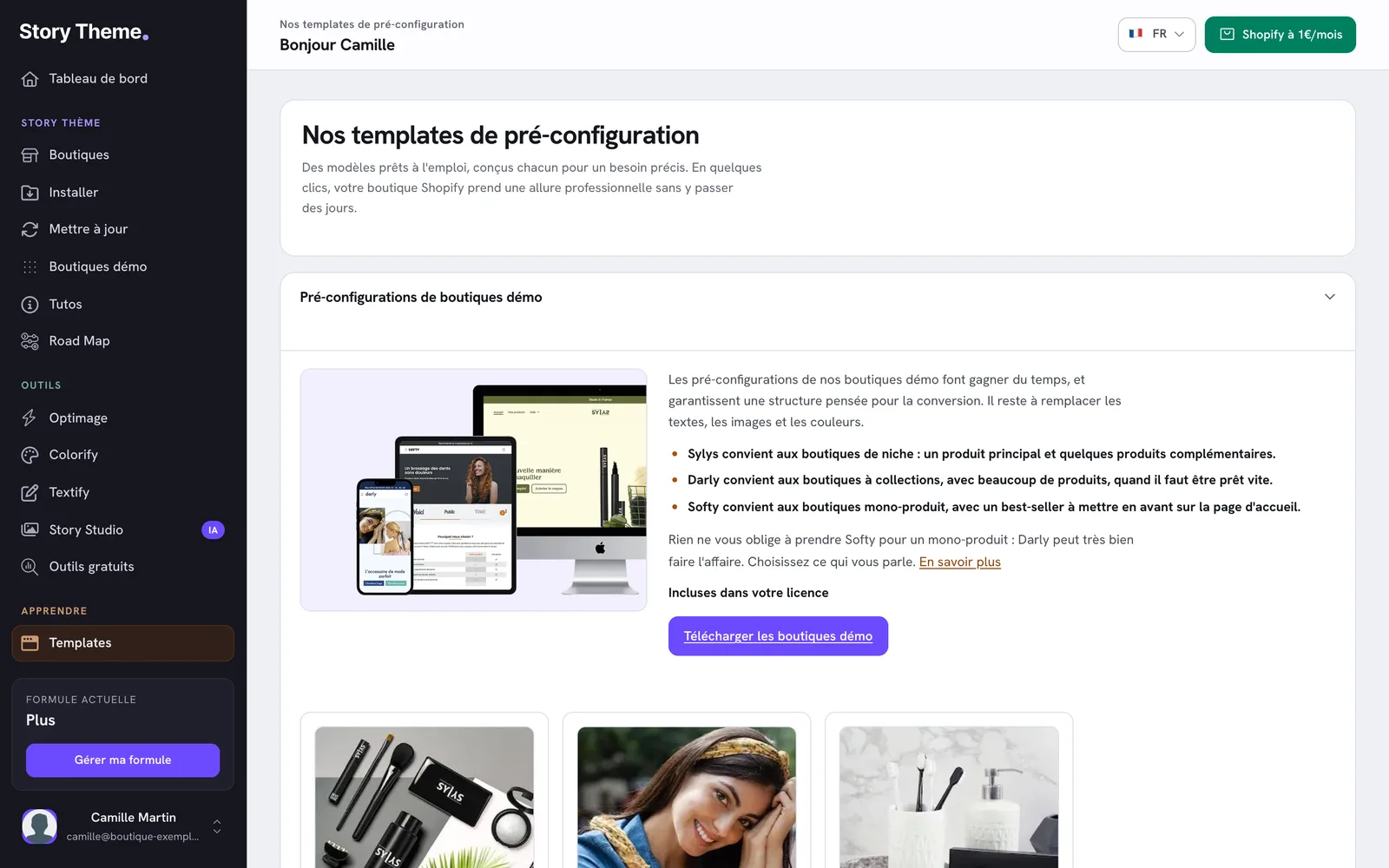
- Demo store pre-configurations: the complete demo stores, included in your license. The Download the demo stores button takes you to the Demo stores page. See Start from a demo store.
- Product page templates: three product page layouts (Classica, Visua and FeatureFocus). Click View the template for a desktop and mobile preview.
- "Our story" page template: a page to introduce your brand.
- Ultra Pack — every template: all of the templates above.
The product page and "Our story" templates are sold separately, as a one-time payment: the price is shown on the purchase button. Once purchased, the button becomes View my templates. It opens the page where each template has an Install this template button: a window shows the installation video and the code to copy with Copy the code.
Unlike a demo store, a page template doesn't replace your theme: it adds a layout to one page of your store. To apply a different layout to some products without buying anything, see Different templates for different products.
Road Map: what's coming to the theme
Road Map (Story Theme section) opens in a new tab. The page shows:
- the theme's Current version and the number of versions released;
- In development: the next version, its expected release date and its progress, with the planned Fixes, Improvements and New features, checked off as they're completed;
- Update history: the details of each released version. Click a version to open it;
- Got an idea for what's next?: the Suggest an improvement button to send us a suggestion.
When a new version is released, follow Update the Story Theme.
Partners: offers for the rest of your store
Open Partners in the sidebar (Resources section). The Our partners page presents services chosen to complement the Story Theme: Shopify store creation, product research, competitor store monitoring, video subtitles, bundles and volume discounts, accounting.
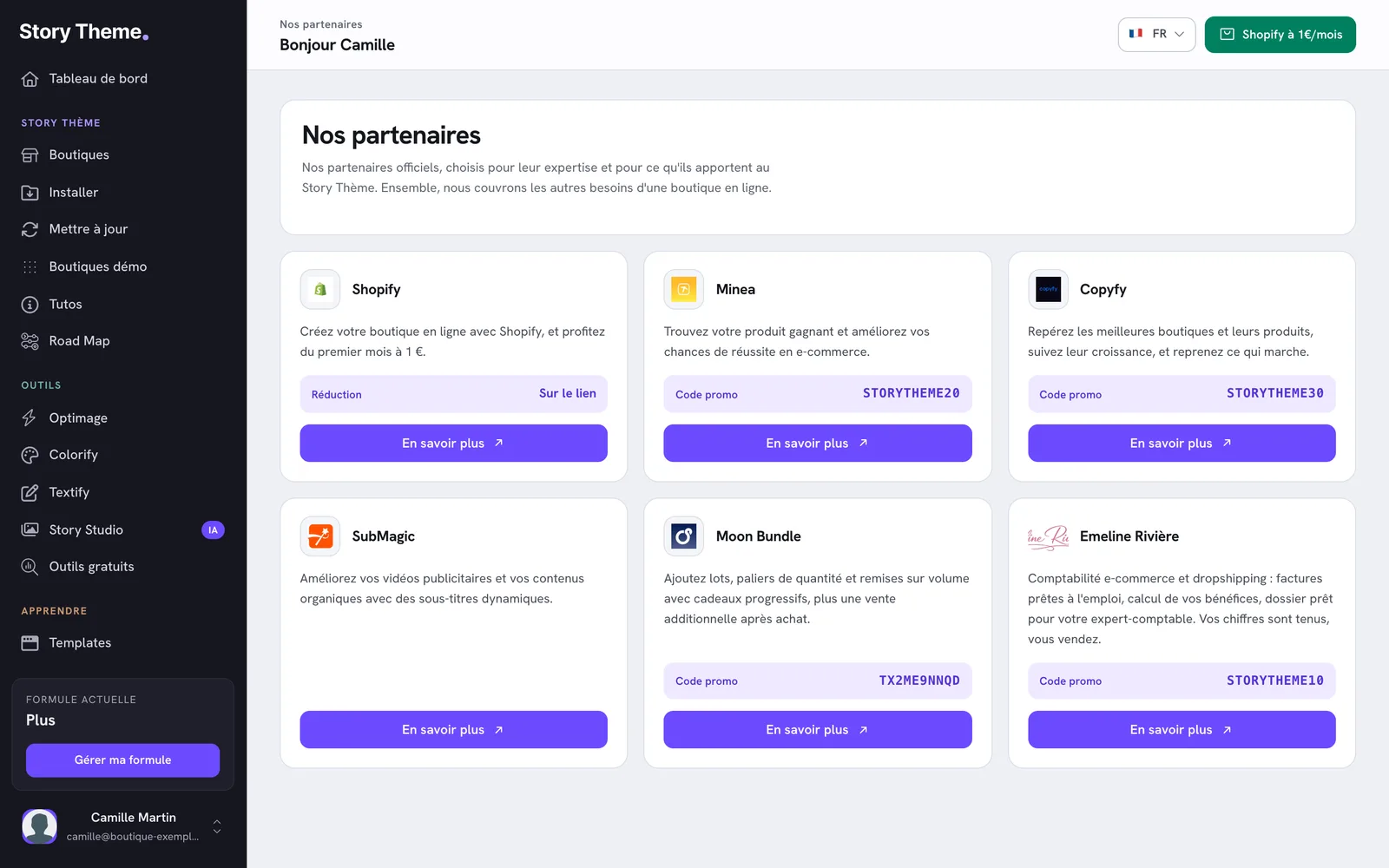
Each card shows the perk on offer: a promo code to enter on the partner's site, or a discount applied directly through the link. Click Find out more to open the partner's site. The terms of each offer are set by the partner.
Accounting: get a call back from an accountant
The Accounting entry (Resources section) opens a callback request window for our accounting partner, Emeline Rivière, who specializes in e-commerce and dropshipping.
- Click Get started.
- Check what you need and enter your monthly order volume, then click Continue.
- Check your name and email, enter your phone number (required) and, if you like, a few words about your business.
- Click Request a callback. Emeline Rivière will get back to you, with no commitment.
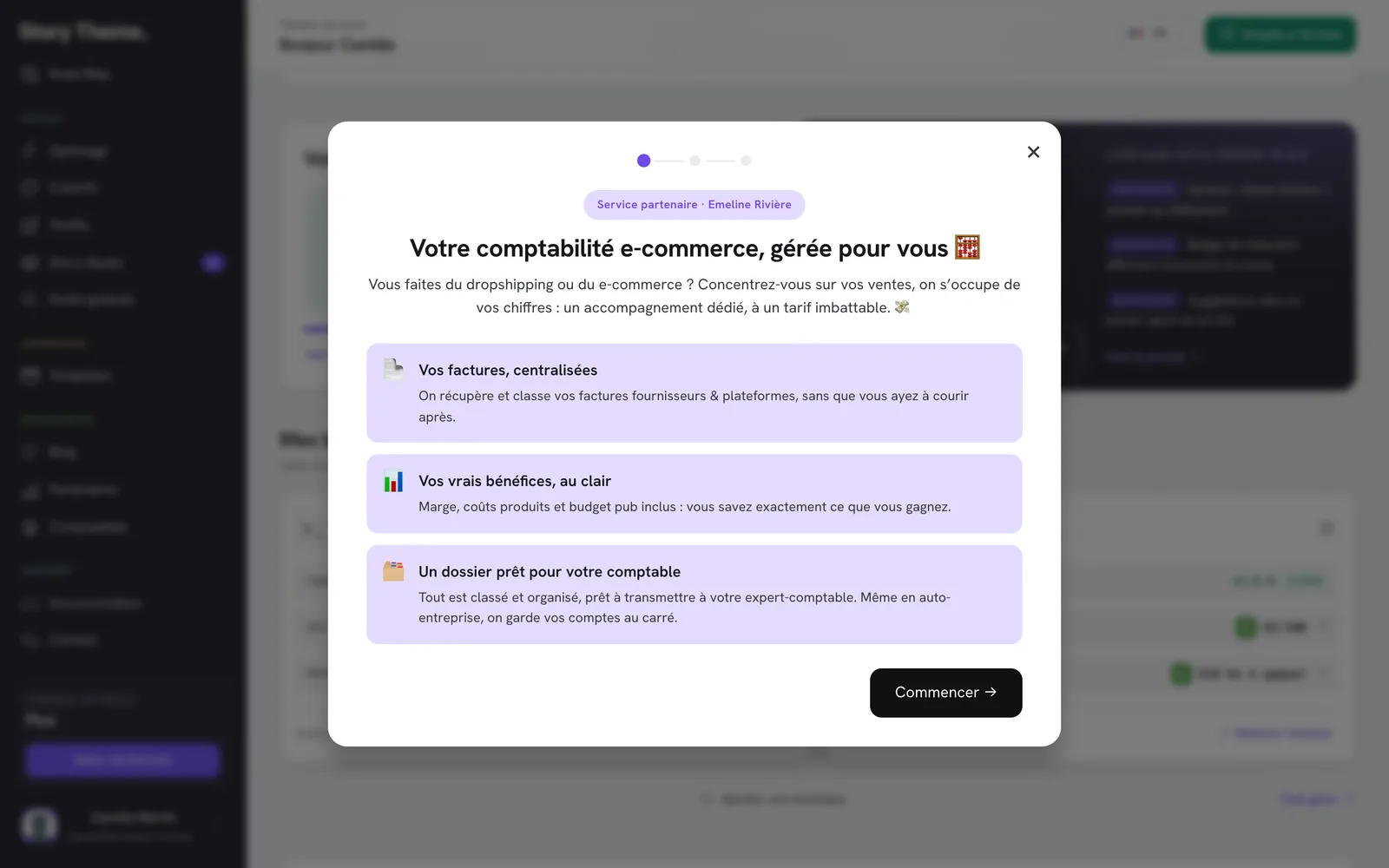
The accounting is handled by this partner, not by the Story Theme team.
Blog and Documentation
- Blog (Resources section) opens the Story Theme blog in a new tab.
- Documentation (Support section) opens the documentation you're reading, also in a new tab.