
Reviews section: average rating, rating banner and Trustpilot
Show your average rating and its star breakdown, a rating banner with logos or your Trustpilot score, with reviews in a carousel.
The Reviews section puts your rating front and center: a large average out of 5, the breakdown of reviews by stars and a selection of reviews, or your Trustpilot score. Place it on the home page, below a product page or on a landing page, wherever visitors need reassurance before buying.
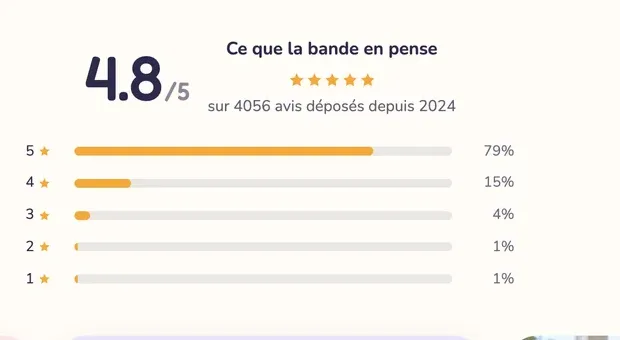
The variants (presets)
The three variants are in the Reviews and trust category of the picker.
Reviews
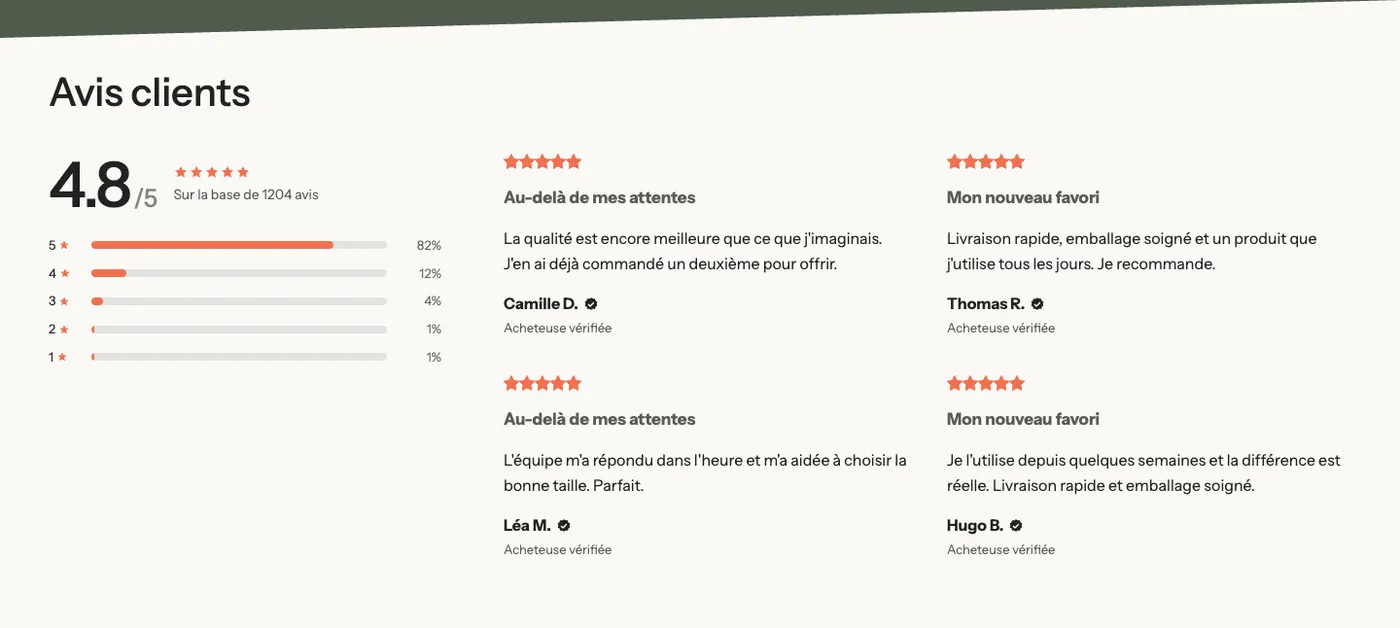
A heading, then two columns: on the left a Rating summary (the average, the number of reviews and one bar per star count), on the right a grid of four reviews. On mobile, the reviews switch to a carousel.
Rating banner
A single line: the average rating, the stars and the number of reviews, followed by a row of logos (press, labels, partners). Place it right below the home page banner: it takes little space and is seen right away.

On mobile, the logos move below the rating:
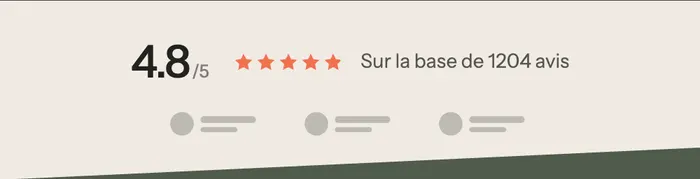
The gray circles and lines are the empty logo placeholders of a fresh theme: add your images in each Logo block.
Trustpilot reviews
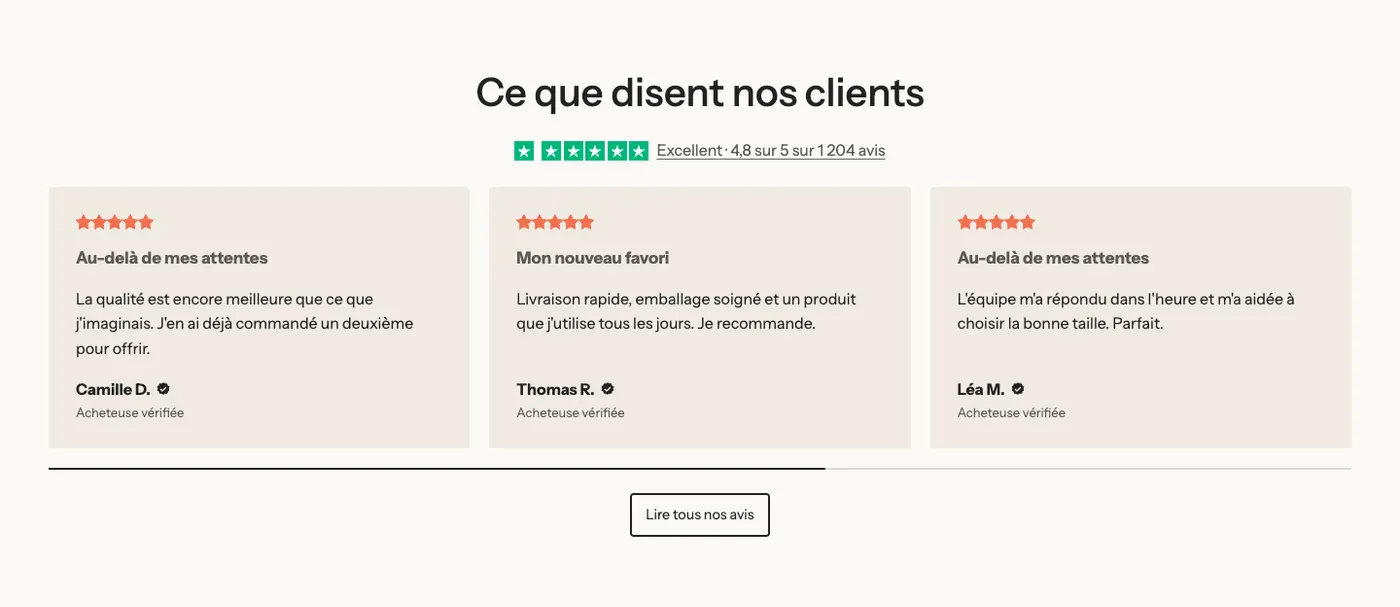
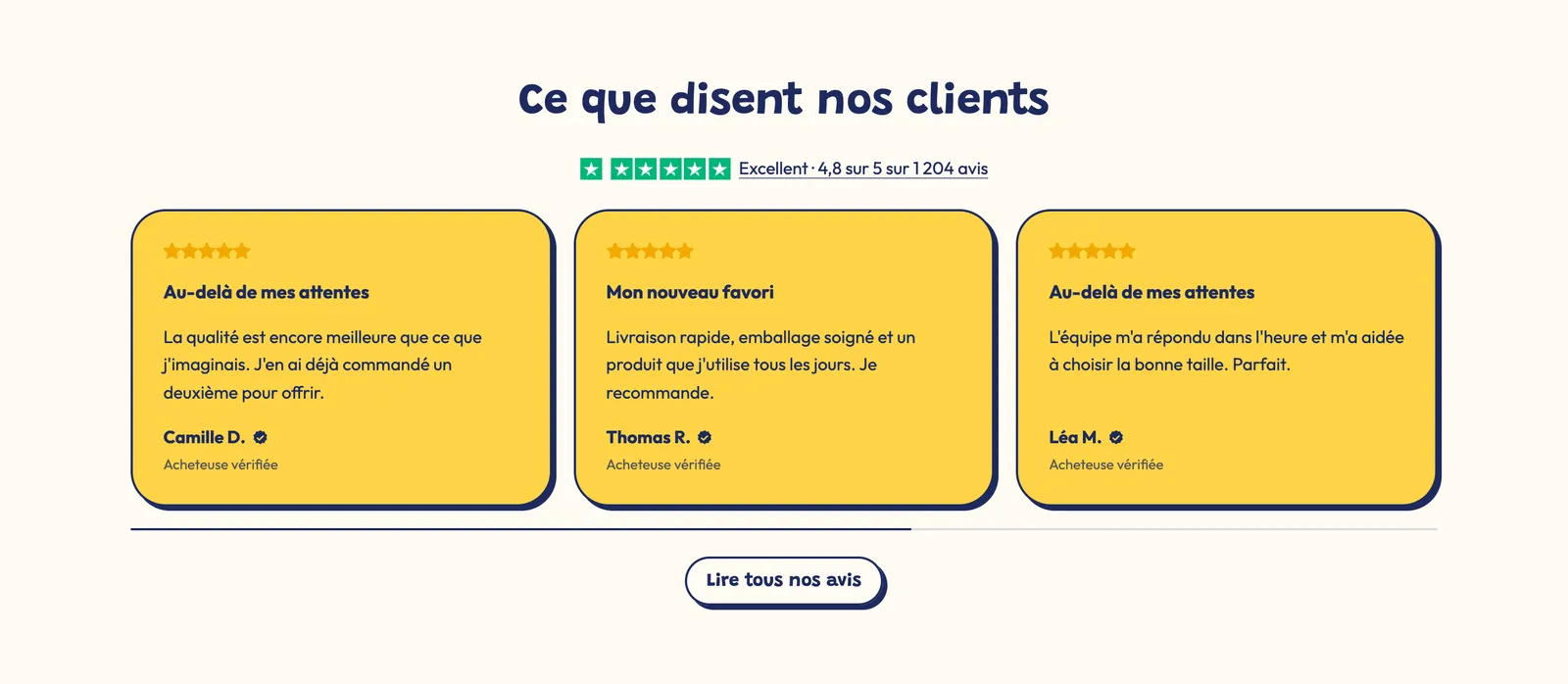
A heading, your Trustpilot score (green stars and the text "Excellent · 4.8 out of 5…"), a carousel of reviews and a Read all our reviews button.
The same variant takes on your brand's look: here with yellow cards, thick borders and offset shadows.
Add the section
- In your Shopify admin, open Online Store > Themes and click Edit theme.
- Pick the template in the top menu.
- Click Add section, open the Reviews and trust category and choose Reviews, Rating banner or Trustpilot reviews.
- Click the Rating summary block (or Trustpilot) and enter your rating and number of reviews.
- Click Save.
The section's blocks
| Block | What it's for |
|---|---|
| Rating summary | The average, the number of reviews and the breakdown by stars. |
| Trustpilot | Your Trustpilot score, or the official TrustBox widget. |
| Logo list | The row of logos in the Rating banner. |
| Carousel and Testimonial | The reviews shown as a grid or a carousel. They're set up as in the Testimonials section. |
| Heading, Button, Group | The heading, the link to all your reviews, the column layout. |
The Rating summary block
- Source: Custom (you type in the numbers) or Product (the rating and number of reviews saved on the product by your reviews app).
- Product: the product whose rating is shown, with the Product source.
- Rating (4.8 by default), Number of reviews (1204) and Distribution: the percentages from 5 to 1 star, separated by commas (
82, 12, 4, 1, 1). - Display group: Layout (Stacked with the bars, or Row as in the Rating banner), rating Size, Label, Text (
[count]shows the number of reviews; when empty, "Based on [count] reviews"), alignments. - Button group: Button label, Link, Button style.
The Trustpilot block
- Trustpilot rating (4.8 by default) and Stars (Show stars or Hide stars). Filled stars stay green, in Trustpilot's colors; Empty stars colour tints the others.
- Show the Trustpilot icon.
- Text (for example "Excellent, based on 1,204 reviews"), Text position and Link to your Trustpilot profile.
- Load the TrustBox widget: shows the official widget. Fill in Template ID and Business unit ID, copied from Trustpilot Business under Integrations > TrustBox, then the Height. The typed-in stars show until the widget loads, which happens when it scrolls into view.
The section settings
The section only has the frame shared by almost every section: Layout, Color palette, Separators and Animations, explained in Understand the theme editor.
Tips and pitfalls
- With the Custom source, the numbers are the ones you type in: keep them in line with your actual rating, and make sure the Distribution adds up to 100.
- The Product source needs a reviews app that saves the rating on the product (Judge.me, Loox, Shopify Product Reviews…). Without a reviews app, this source has no rating to read.
- The theme shows the rating, not your app's full list of reviews: for that, add the block provided by the app with Add block.
- Load the TrustBox widget adds a Trustpilot script to the page. If the static stars are enough for you, leave it unchecked: the page stays lighter.
- A rating alone convinces less than a rating with a few readable reviews: keep at least three reviews next to the summary.